
Inside the September 27 Android Audio Prank App
Author: 赖渊
An Android app called “For the Best One,” with the package name com.sgzh.dt, recently spread like wildfire online. Universities across the country were said to have been hit, leaving victims distraught in what became known as the “September 27 app” incident. Online rumors even claimed that merely installing the app would leave harmful files behind after uninstallation, causing endless trouble.
Could it really be that powerful? Did it somehow have even higher privileges than TWRP??
In the spirit of scientific rigor, I tracked down this so-called “Sounds of Nature” APK to find out exactly what it did.
To understand how an APK works, we first have to strip off its “outer clothing.” Only by examining the code underneath can we make sense of how it operates.
Developers of some malicious APKs try to prevent others from stripping off this “clothing” by wrapping the package in “armor,” a technique known as hardening or packing. A protected APK cannot be undressed so easily; the armor has to come off first. This process is generally called unpacking. I stripped away the application’s outer layer without difficulty, making it clear that the APK had not been protected.
That made things easier. I began by examining the resources bundled in the APK, including images, video, and audio.
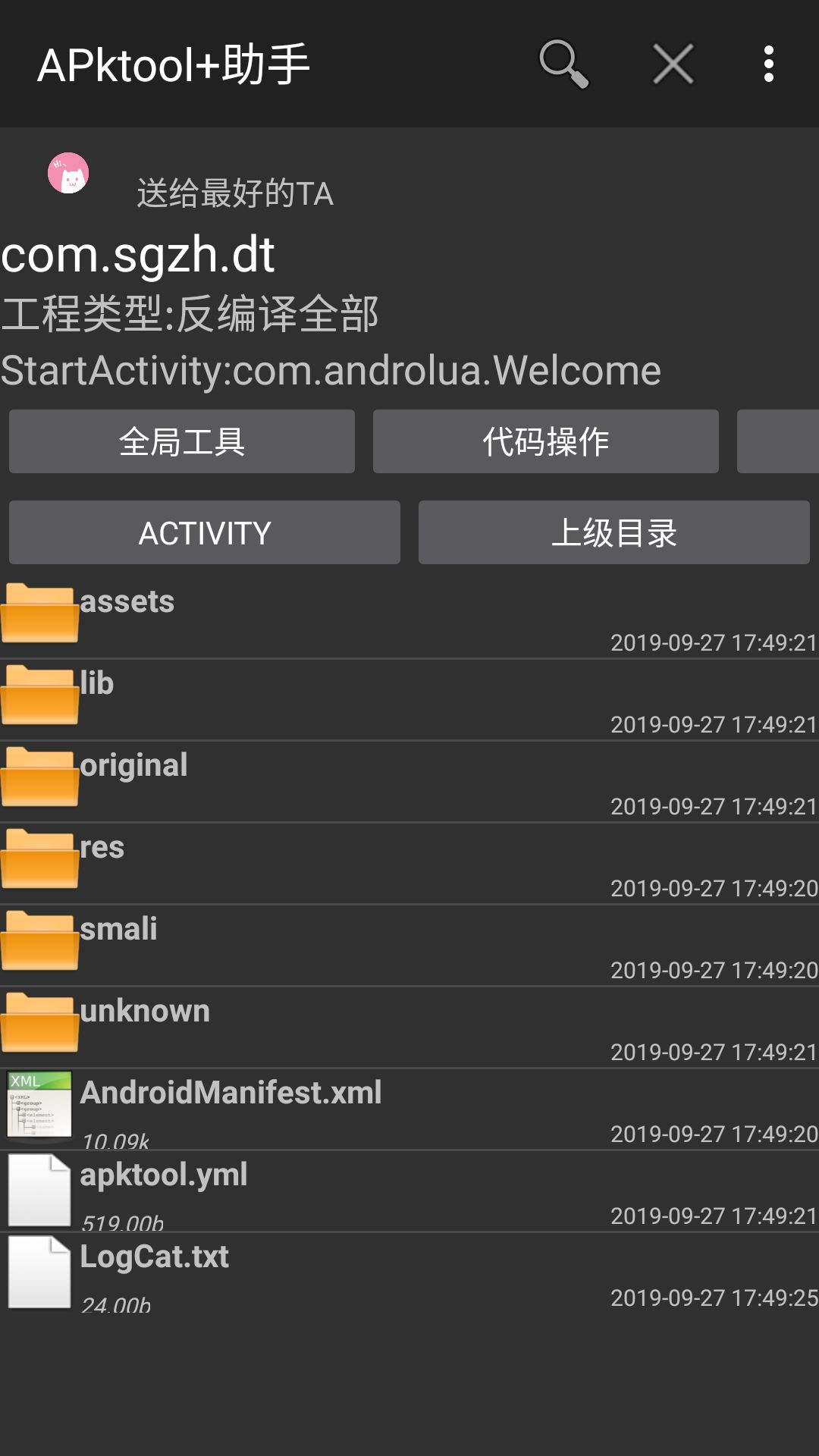
So much for high hopes: the APK contained only two images and a few words…
But under the APK’s /assets/ path, I found an audio file named 0.mp3!
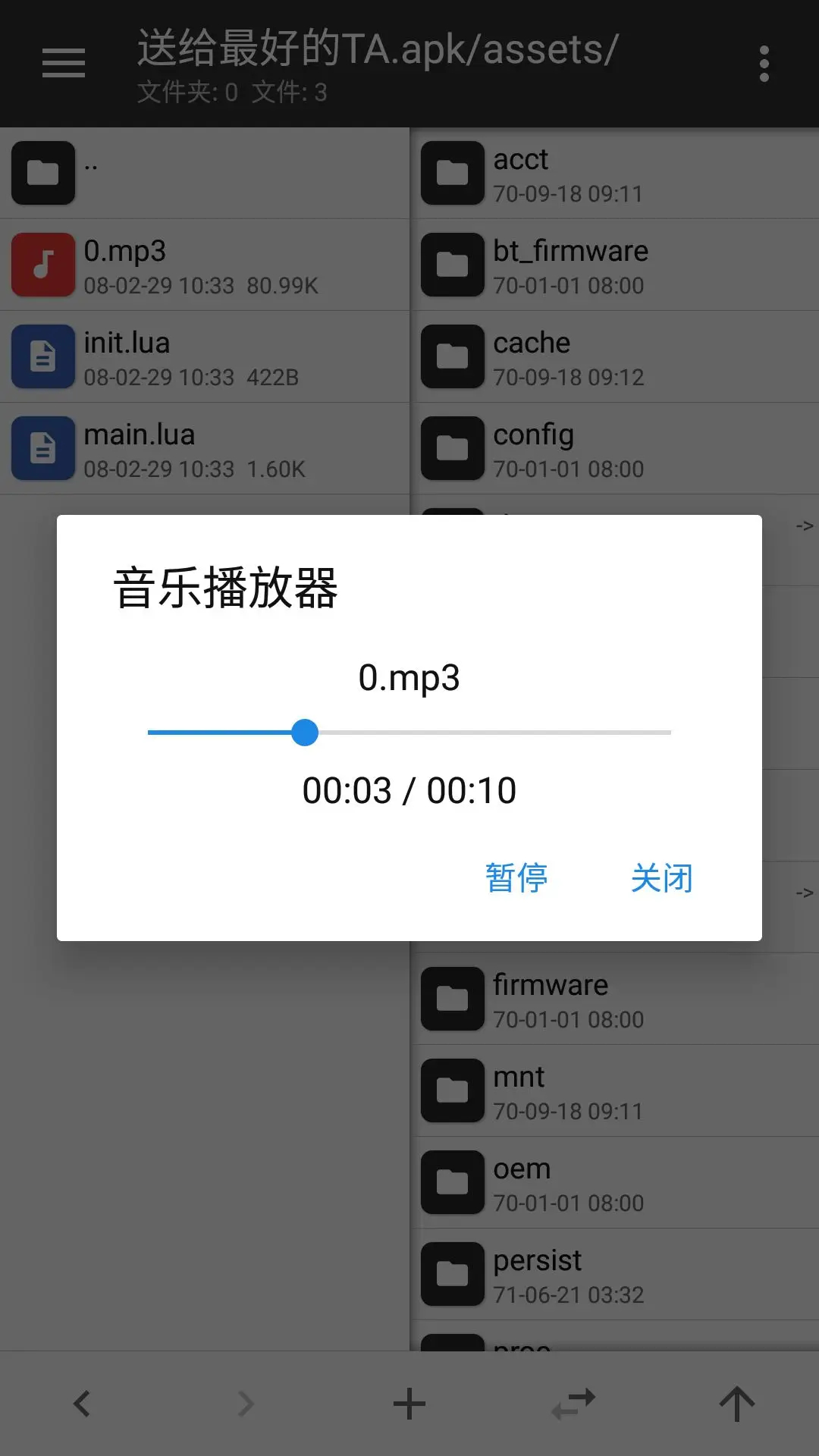
At last, something with real content. Time to hear what was inside!
…
…

Th-this was the legendary “chicken scream”?! Terrifying. At this point, I knew the APK was up to no good…
Next, I examined AndroidManifest.xml, the manifest file required by every Android application project. It declares the software version, package name, component properties, requested permissions, and other information.
Let us see which permissions this app requested.
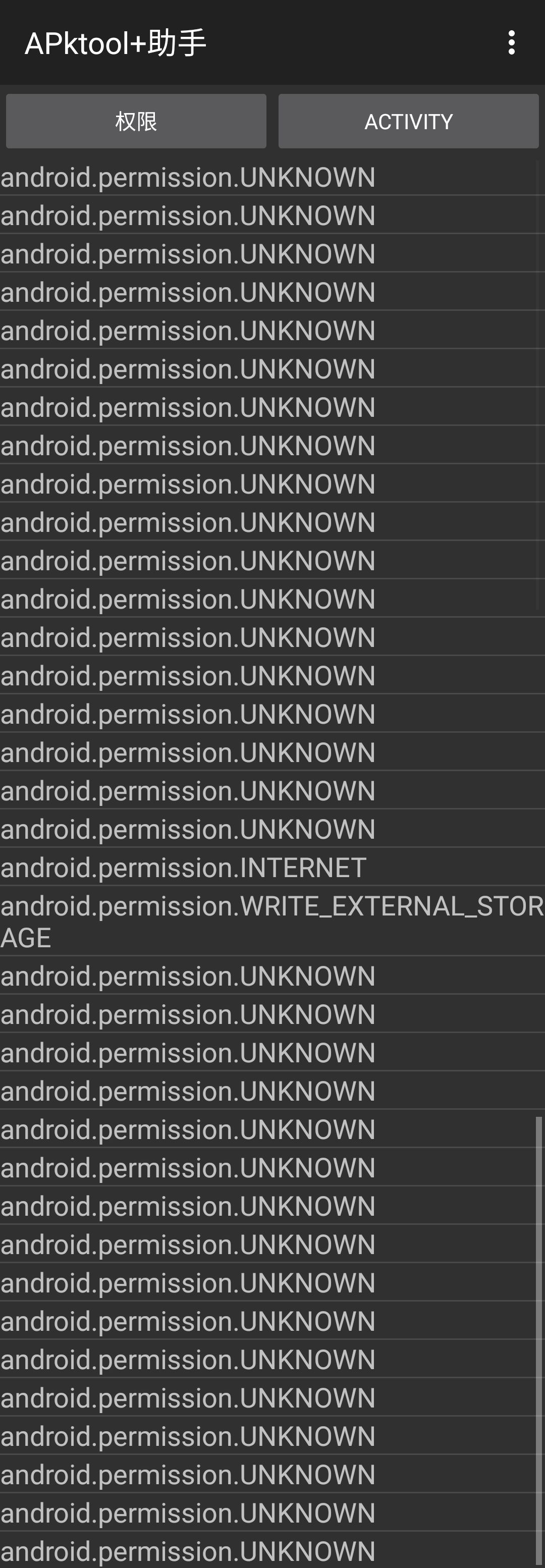
A search showed that the app requested two highly sensitive permissions:
- android.permission.INTERNET: Full network access.
- android.permission.WRITE_EXTERNAL_STORAGE: Modify or delete the contents of your USB storage.
- In addition, one unknown permission was repeated an extraordinary number of times: android.permission.UNKNOWN.
The permissions identified so far indicated that the app could read and write data and might perform network activity. With those clues in mind, it was time to inspect the DEX file.
What is classes.dex? The DEX format is an executable format that Android can run directly on the Dalvik virtual machine. Dalvik is a virtual machine designed by Google for the Android platform.
In other words, when an APK is installed on Android, the system executes the code in its classes.dex file to carry out the application’s various operations.
First things first: did the program try to loosen read, write, or execute permissions on any files? I searched for any use of chmod 777.
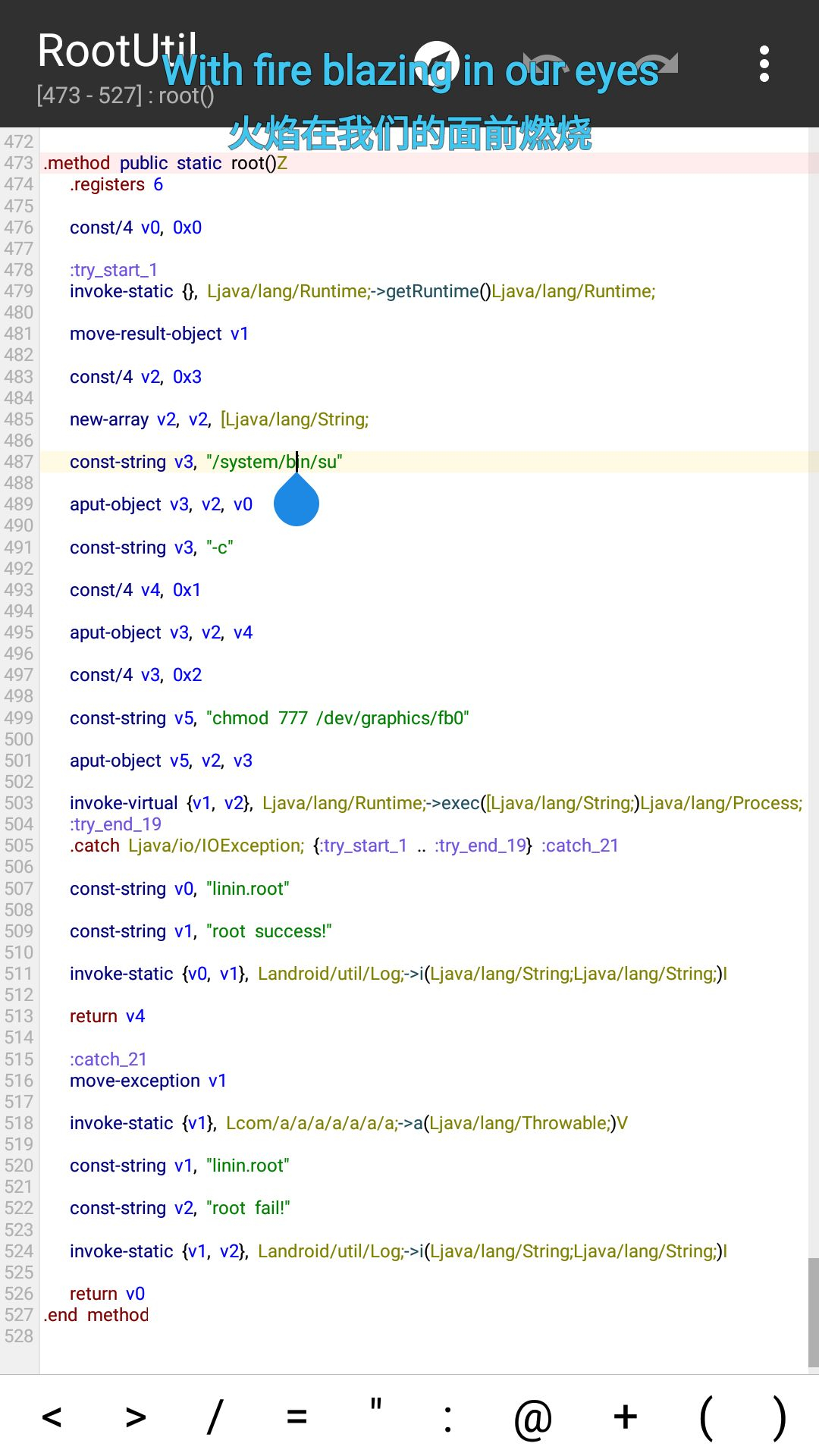
There it was??? Even so, it was not a major problem. After reading through the code, I found no special action following that change in permissions. Claims that problems would persist after uninstalling the app were impossible, and recommendations to reformat the device were even more absurd.
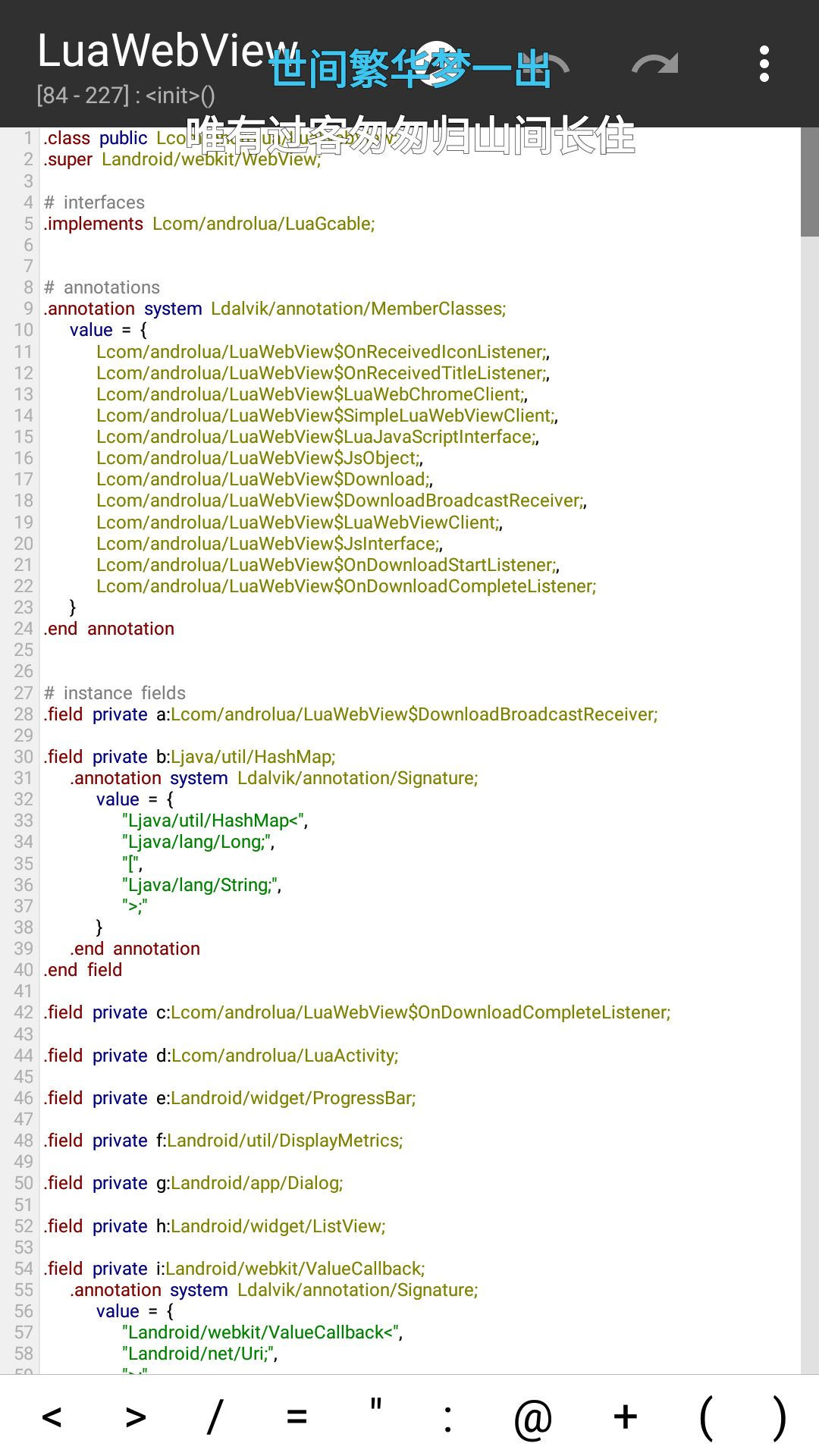
Further investigation revealed a local Java interface exposed in a WebView (risk level ↑). Android’s WebView component provides a special interface function called addJavascriptInterface, which allows local Java code and JavaScript to interact. When targetSdkVersion is below 17, an attacker can use functions exposed through addJavascriptInterface to execute arbitrary code remotely.
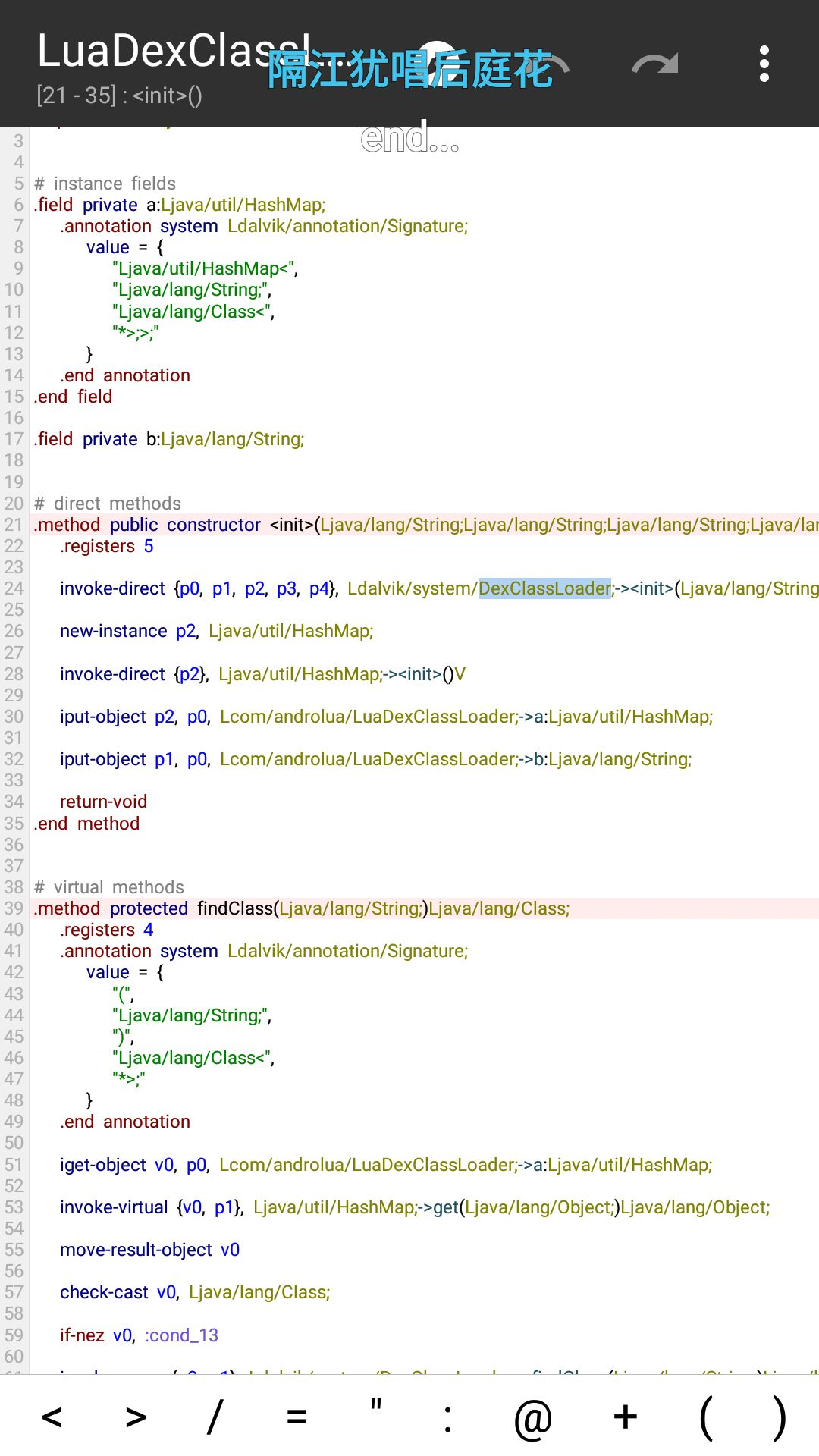
The next finding was dynamic DEX loading (risk level ↑). The APK used DexClassLoader to load external apk, jar, or dex files. If the source of an external file cannot be controlled, or if the file has been tampered with, its safety cannot be guaranteed. Loading a malicious dex file can lead to arbitrary command execution.
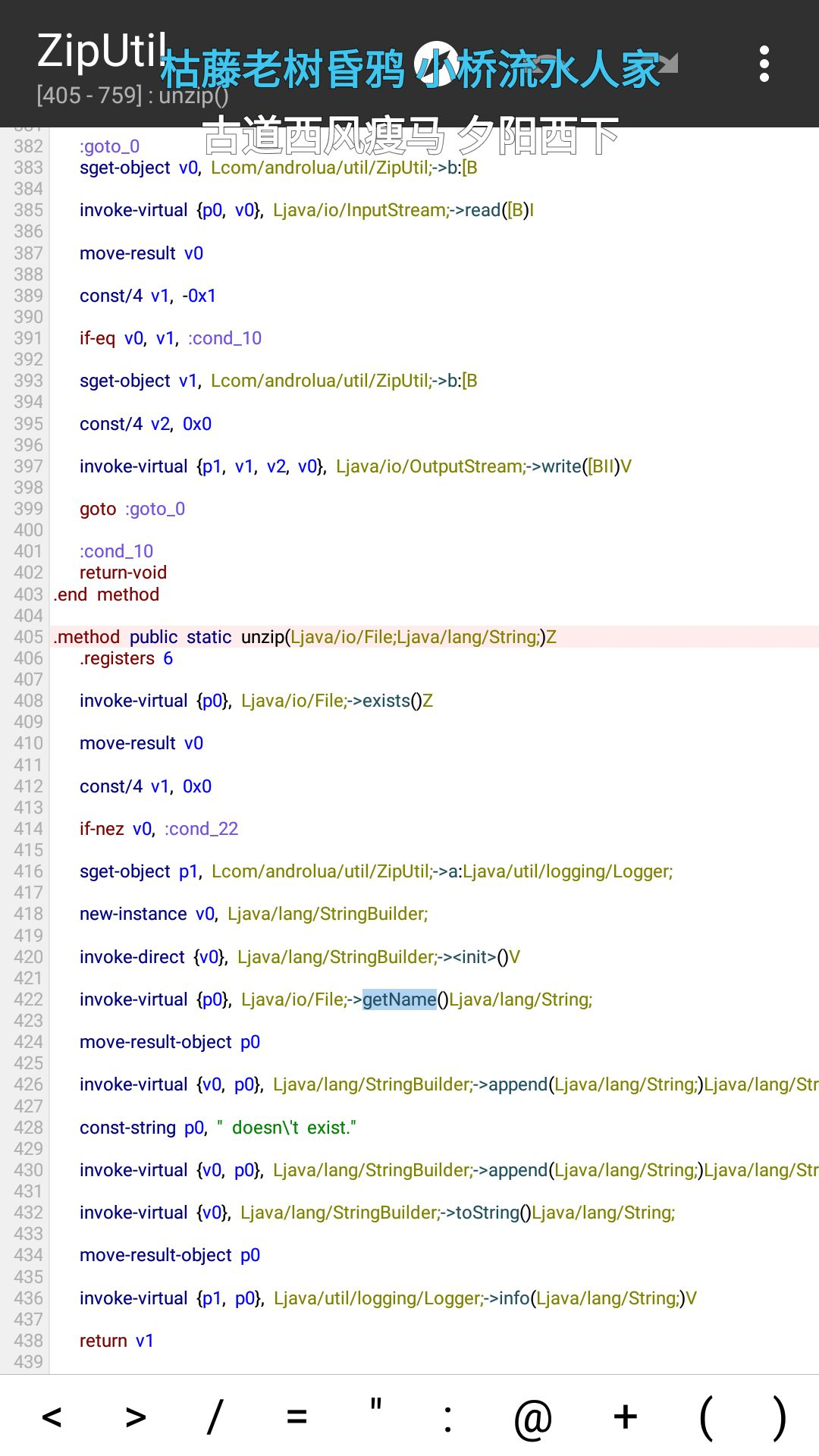
Further investigation uncovered zip extraction code (risk level ↑). As the name suggests, it extracts zip files. The code obtained archive entry names with getName but did not validate them. An attacker could construct a malicious zip whose contents would be extracted into other directories and overwrite the corresponding files, leading to arbitrary code execution.
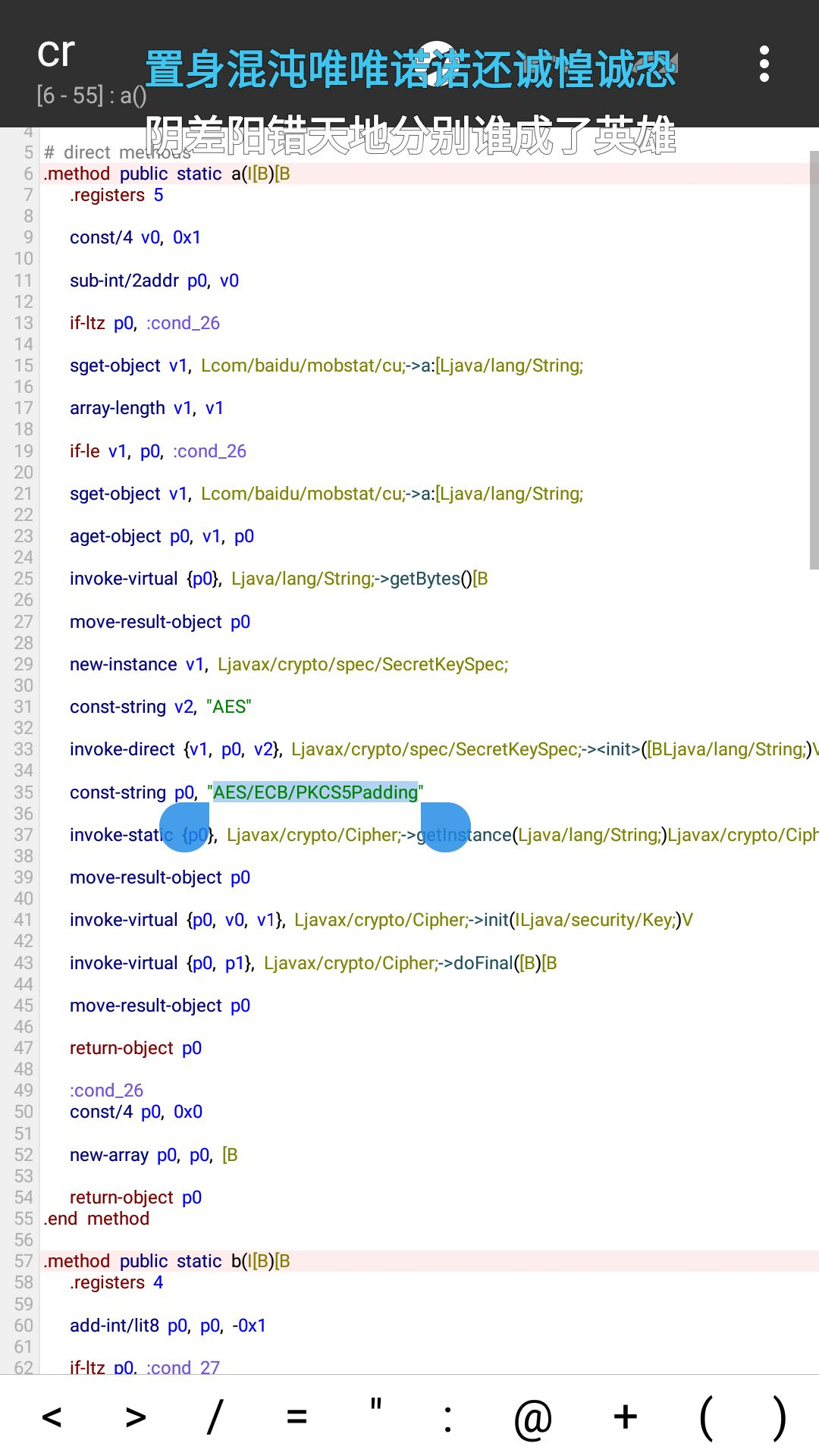
I also found weak AES encryption (risk level ↑). The APK used the “AES/ECB/PKCS5padding” mode. ECB divides a file into blocks and applies the same encryption process to each one; once one block is decrypted, the same key can decrypt the others. By then, I had dissected most of the APK’s classes.dex. Those were roughly all the risks I found, though whether the relevant code was ever called was another question.
To investigate the audio playback and rapid screenshots, I used unluac_2015_06_13.jar in Termux to decompile main.lua. The resulting code played 0.mp3 on a loop, raised the media volume to maximum, and intercepted the Back button.
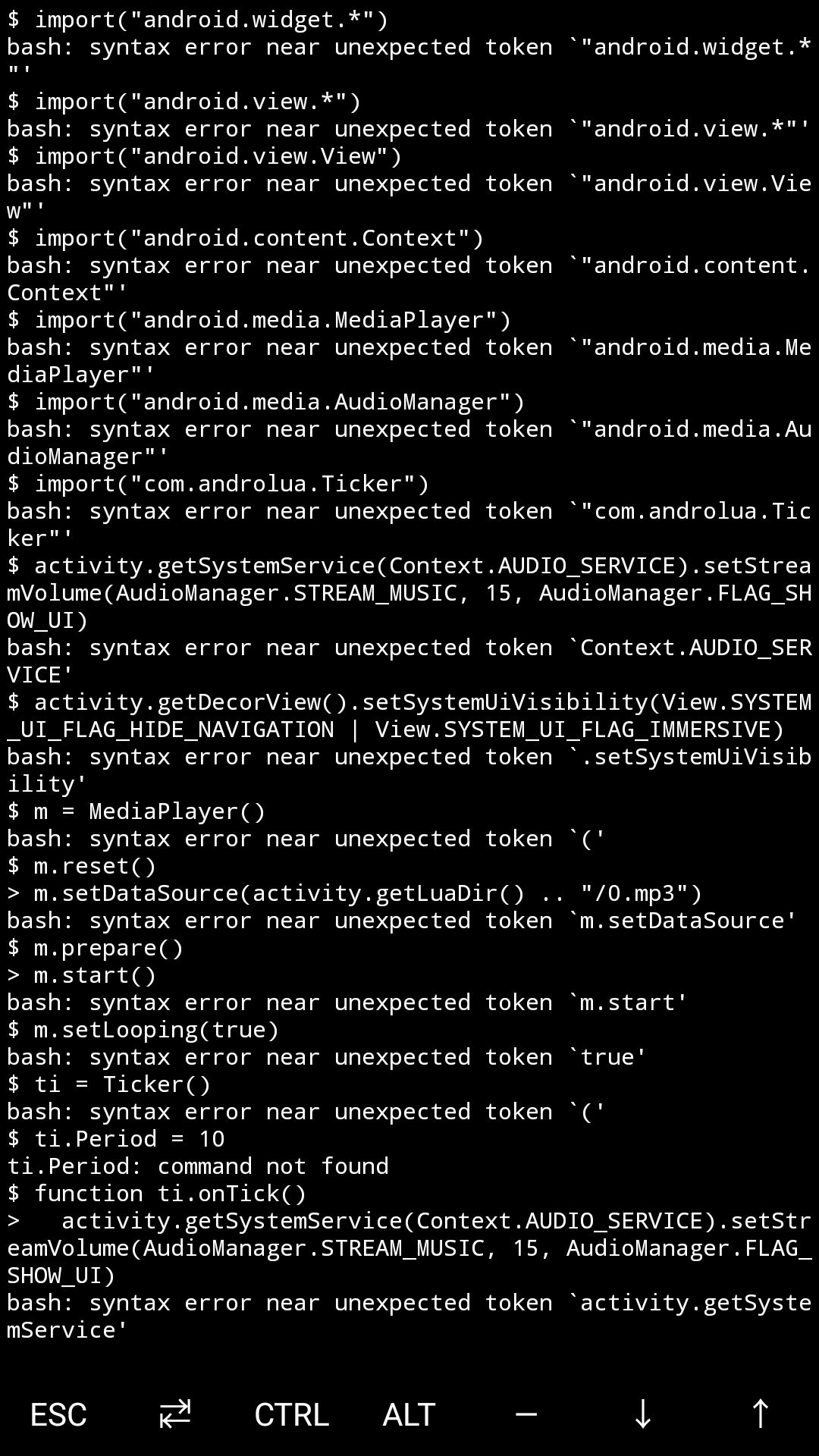
I examined the rapid-screenshot behavior but found no endpoint for an external connection. Uploading the screenshots therefore seemed pointless. The online explanation that this behavior tied up the volume and power buttons, preventing users from lowering the volume or turning off the screen, sounded somewhat more plausible.
Still determined to find the truth, I wanted to establish whether the APK generated any network traffic. So I took the risk of installing it and opening it while capturing packets.
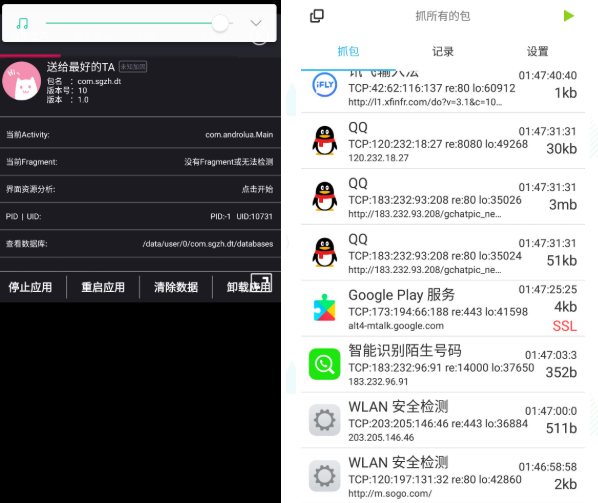
The result: the app produced no network activity at all, and no ROOT authorization prompt appeared. During testing, I found that pressing the Recent Apps button immediately opened the task switcher. Closing the app from there made it shut up!
In short, the software did pose some security risk, though probably very little, and was most likely intended as a prank. Most importantly…
…
…
…
Stop playing with your phone in class!!!
 爱发电(点击图片跳转)